Laptop & Computer Service Centre · Wakad
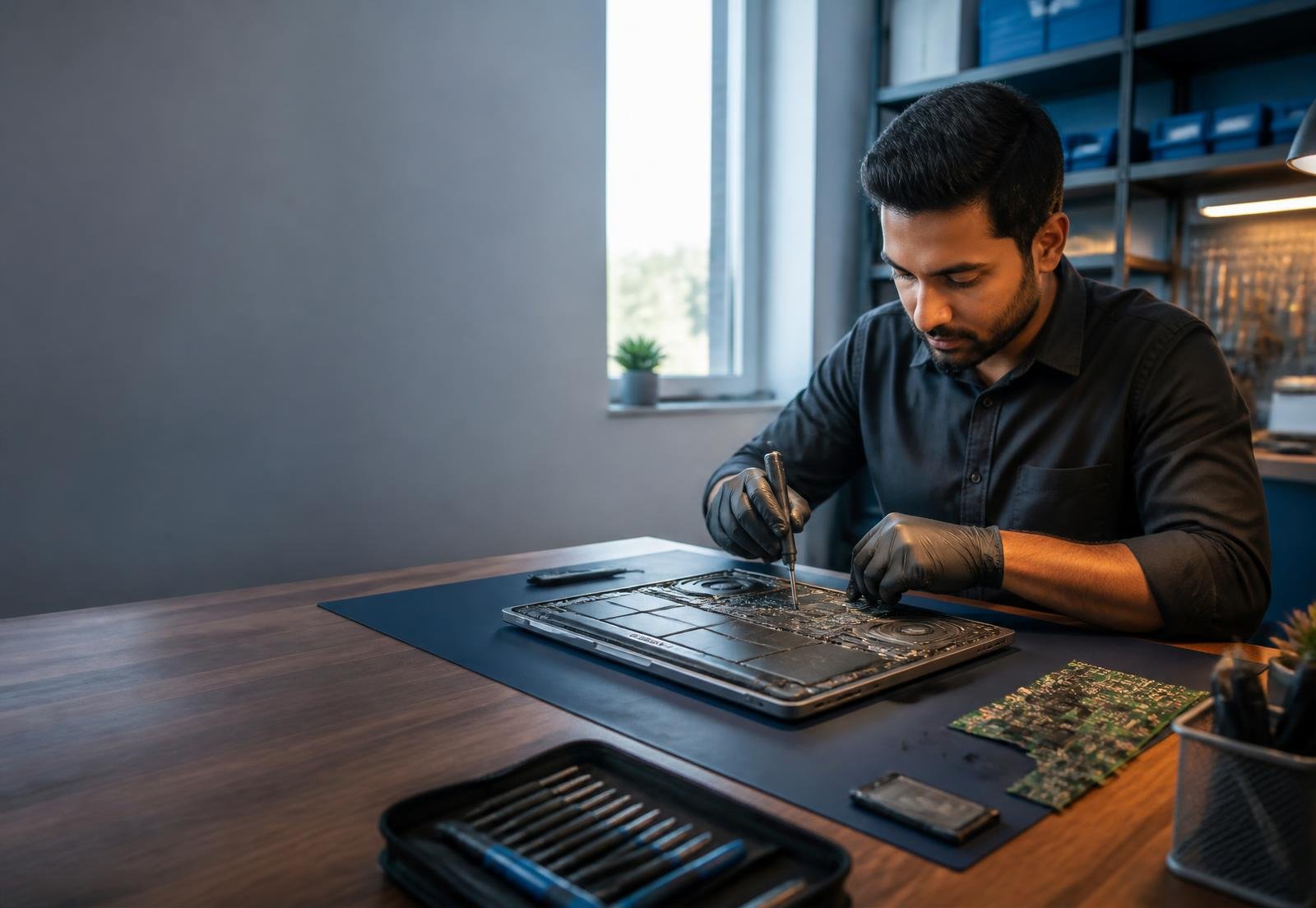
Professional Laptop Repair & Computer Service in Wakad, Pune
Reliable laptop repair, computer servicing and hardware solutions from experienced technicians. Get quality service for your laptop and computer at competitive prices.
Professional diagnosisTransparent serviceWakad, Pune
Service you can rely on
Reliable Laptop Repair Services You Can Trust
We provide dependable laptop and computer repair solutions with a focus on quality workmanship, transparent service and customer satisfaction.
Quality Repair Service
Transparent Pricing
Quick Service
Complete care
Our Laptop & Computer Services
From everyday faults to upgrades and preventive servicing, get practical help for your device in one place.
Laptop Repair
Professional diagnosis and dependable repairs for everyday laptop faults and performance issues.
Laptop Screen Replacement
Replacement solutions for cracked, flickering, dim or non-working laptop displays.
Laptop Keyboard Replacement
Restore faulty, missing or unresponsive keys with a compatible keyboard replacement.
Laptop Battery Replacement
Battery health checks and replacement for poor backup, swelling or charging issues.
Laptop Charging Port Repair
Diagnosis and repair for loose ports, intermittent charging and power connection faults.
Laptop Motherboard Repair
Component-level assessment and repair for complex motherboard and power faults.
Windows Installation
Clean Windows installation and setup for a stable, ready-to-use computer.
Laptop Cleaning & Servicing
Internal dust removal and preventive servicing to improve airflow and reliability.
Computer Repair
Complete desktop computer diagnosis and repair for hardware and software problems.
Data Backup & Recovery
Assistance with protecting important files and recovering accessible data from storage devices.
Hard Drive / SSD Upgrade
Storage replacement and SSD upgrades for more capacity and faster system performance.
RAM Upgrade
Compatible memory upgrades for smoother multitasking and improved responsiveness.
The local choice
Why Choose DELL SERVICE CENTRE?
Skilled Technicians
Practical experience across common laptop and desktop issues.
Professional Diagnosis
Every device is inspected carefully before repair work begins.
Quality Parts
Compatible parts selected with performance and reliability in mind.
Affordable Service
Clear recommendations designed around the repair you actually need.
Customer-Focused Support
Straightforward guidance and courteous help throughout the process.
Reliable Repair Solutions
Careful workmanship followed by testing before your device is returned.
Five clear steps
Simple & Hassle-Free Repair Process
Contact Us
Device Diagnosis
Repair Approval
Professional Repair
Testing & Delivery
Wakad, Pune
Visit Our Laptop Service Centre in Wakad, Pune
Sr No. 83/1, Icon Tower, Shop No. 7, Kasturi Chowk, Bhumkar Wasti Rd, Bhumkar Nagar, Wakad, Pune, Maharashtra 411057
Need Laptop Repair? We're Here to Help
Contact DELL SERVICE CENTRE for professional laptop and computer repair services in Wakad, Pune.